A summary of the tools that create AI short-form video, and the ones influencers actually use in 2026.
Platforms That Can Create AI-Generated Reels
Many AI tools now generate vertical 9:16 short videos ready for Instagram Reels, TikTok and YouTube Shorts. They handle scripting, visuals, voiceover, captions and music automatically.
Popular AI Video Generators
- InVideo AI: prompt-to-full video, strong for faceless content
- HeyGen: talking-head avatars and multilingual presenters
- CapCut: free all-in-one editor with powerful AI features
- Opus Clip: turns long videos into multiple Shorts and Reels
- Runway (Gen-3/Gen-4): cinematic, high-quality clips
- Pika: fast, stylized, effects-driven clips
- Kling AI: realistic human motion and image-to-video
- Fliki: full reels from text or a URL
- Canva Magic Studio: easy branded template reels
- Dreamina, MagicShot, Zebracat, ReelsRamp, Vizard, Luma and others
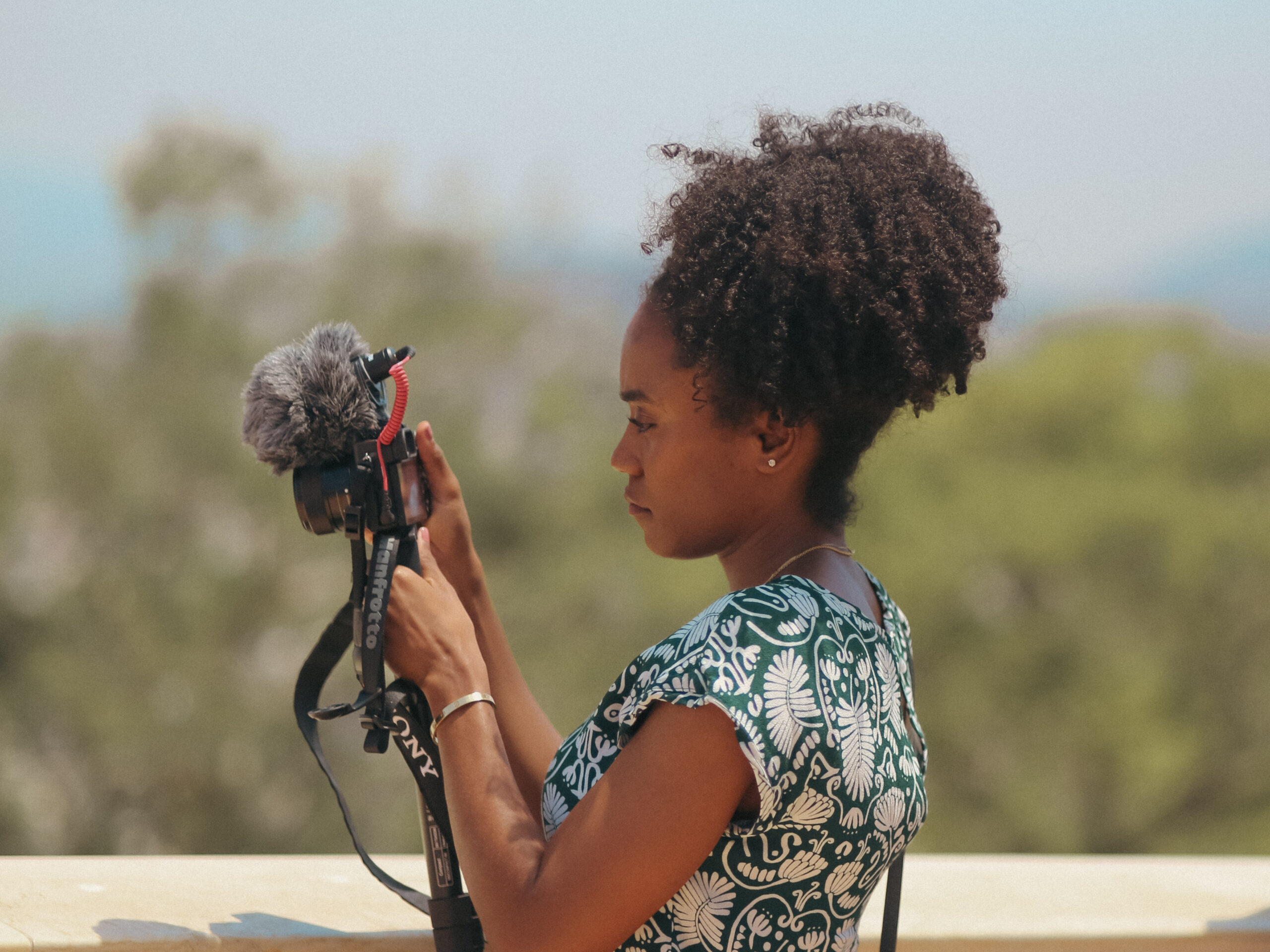
Always generate in 9:16 vertical format so the video is native for Reels, TikTok and Shorts.
Most Popular Tools in the Influencer Community
Among creators and AI influencers, a clear hierarchy has emerged. CapCut is nearly universal for finishing, while Kling, HeyGen and Runway dominate generation.
| Rank | Tool | Why Influencers Love It | Best For |
|---|---|---|---|
| 1 | CapCut | Free, TikTok-native captions and effects, mobile-friendly | Final editing and polish |
| 2 | Kling AI | Best quality/price ratio, strong free tier, realistic motion | Animating stills into clips |
| 3 | HeyGen | Realistic avatars, lip-sync, voice cloning, multilingual | Talking-head and virtual influencers |
| 4 | Runway | Highest cinematic quality for premium content | Hero, fashion and portrait clips |
| 5 | InVideo AI | Fast prompt-to-finished video at scale | High-volume faceless content |
| 6 | Pika | Speed and creative effects | Viral hooks and stylized clips |
| 7 | Opus Clip | Excellent long-to-short conversion | Repurposing existing footage |
Common Creator Workflows
AI Influencer and Virtual Model Content
Generate consistent stills, then animate them with Kling (body) or Runway (portraits). Make talking versions with HeyGen, then do the final edit and captions in CapCut.
Faceless and High-Volume Content
Start with InVideo AI (or a similar prompt-to-video tool), then add light polish in CapCut.
Repurposing Long Content
Take the long video or podcast through Opus Clip, then make final tweaks in CapCut.
Budget and Free-First Approach
Lean heavily on CapCut plus the free tiers of Kling and Pika.
Key Takeaways
- CapCut is the single most-used tool. Almost everyone finishes their AI videos here because of its captions, effects and platform-native feel.
- Kling AI has become the go-to for realistic AI influencer video thanks to its free tier and strong motion quality.
- HeyGen dominates whenever a talking face or avatar is needed.
- Runway is treated as the premium option for higher-quality or brand-sensitive posts.
- Most successful creators use a multi-tool stack rather than relying on a single platform.
Features and pricing change frequently, so check each tool’s official site for the latest details.