Some of the best free images on the internet come from institutions that decided to open up their collections. You don’t need a stock subscription for a lot of this. A Dutch Golden Age still life, a 19th-century map of Lisbon, a photograph of a nebula: it’s all sitting there, high resolution, and much of it can go on a website, a book cover or a T-shirt without you paying a cent.
The catch is knowing where to look and what “free” actually means on each site. Here’s how I’d go about it.
The museums that opened the doors
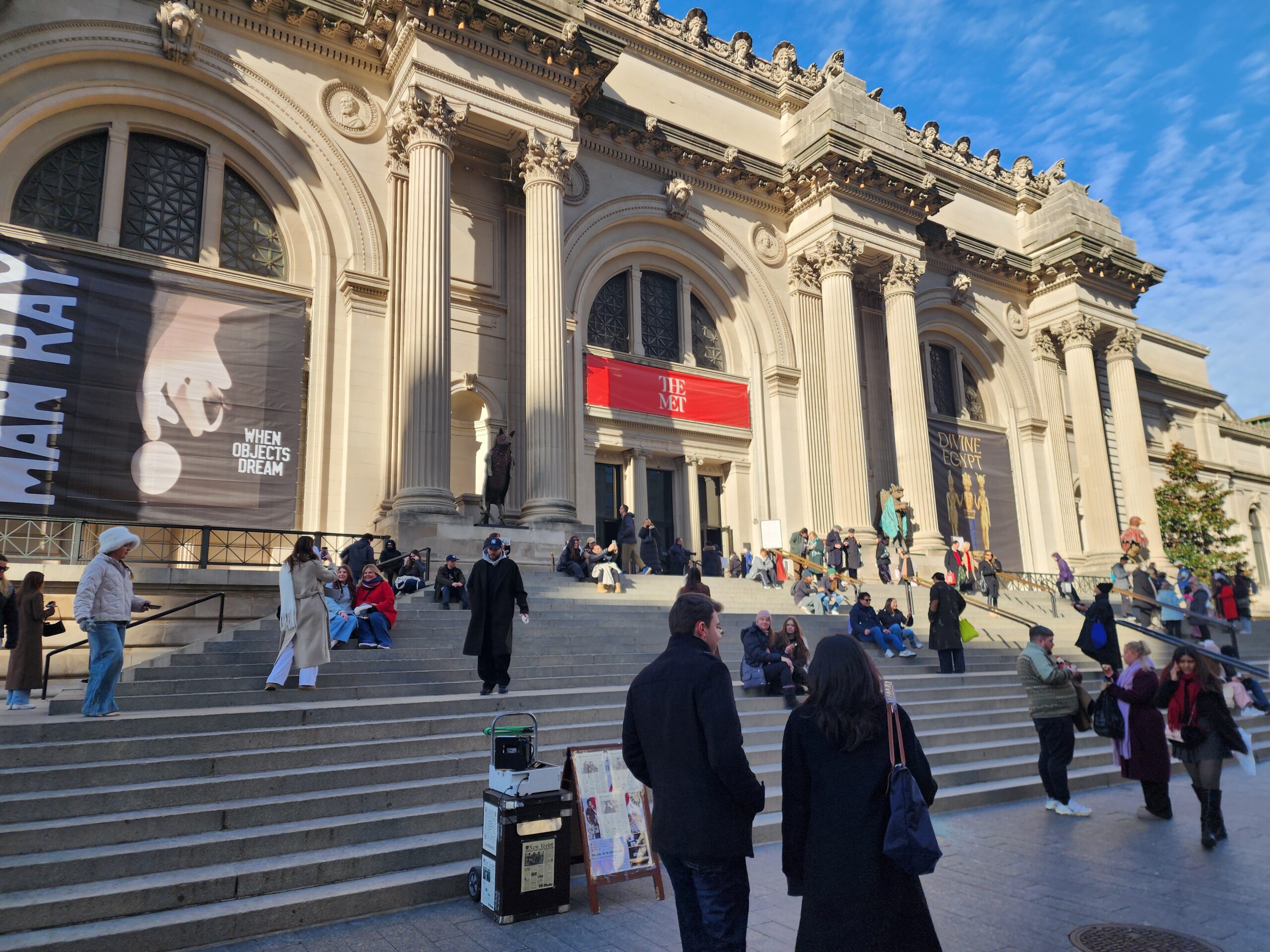
The Metropolitan Museum of Art has a large open access program. Images of works it considers public domain are released under CC0, so you can use them for anything, commercial projects included. On the collection search page there’s an Open Access filter. Tick it and everything you see is fair game.
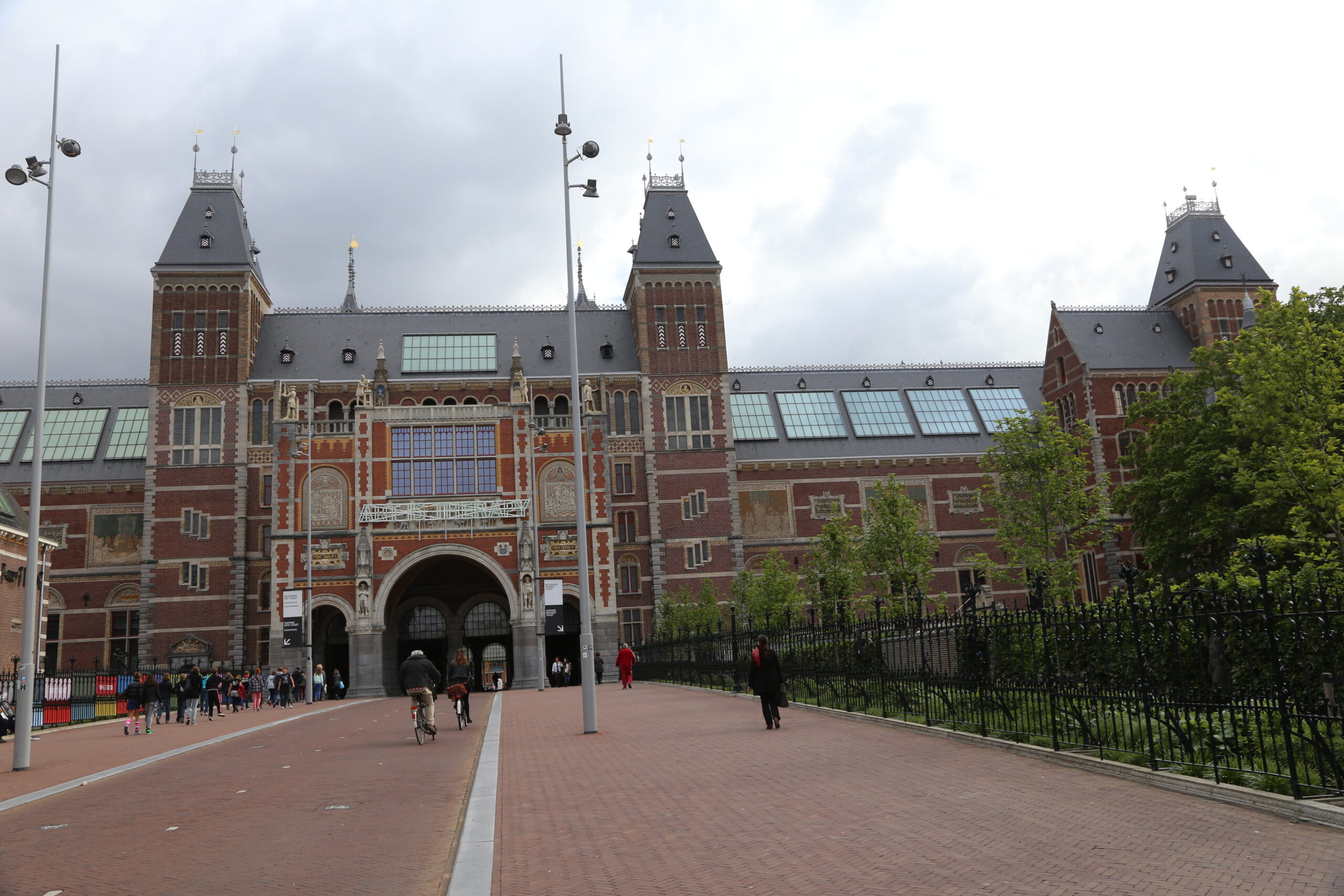
The Rijksmuseum in Amsterdam lets you browse and download high-resolution images from its collection through its Rijksstudio. You can save favorites into your own sets, zoom in on the brushwork of a single painting and download the file at a size that’s good enough to print big. Rembrandt’s detail shots alone are worth an afternoon.
The Smithsonian’s Open Access program covers a huge spread of its museums and archives under CC0, from natural history specimens to portraits to aircraft. The National Gallery of Art in Washington, the Art Institute of Chicago, the Cleveland Museum of Art and the Getty all run open content programs too. Each has its own rules and its own search filter, so spend two minutes reading the terms before you download a batch.
Libraries and archives
The Library of Congress hosts millions of photographs, prints and maps, many with clear usage information. Look for the “Free to Use and Reuse” sets, which are curated collections that the Library has flagged as safe to work with. The Farm Security Administration photographs from the 1930s and 40s are a good place to start, and so are the panoramic city maps.
The New York Public Library has a public domain collection you can download in full resolution. Europeana pulls together material from hundreds of European libraries, archives and museums, and it lets you filter by license, which saves a lot of clicking around.
Two more to know
Wikimedia Commons is a huge shared library of freely licensed media, each file with its own license listed. That last part matters. Some files are public domain or CC0. Others are CC BY, which means you must credit the creator, or CC BY-SA, which means you must credit and also share your own version under the same terms. The “Use this file” button on each page gives you a ready-made attribution line, so use it.
NASA publishes a great deal of imagery, and works made by US federal government employees are generally public domain, though a few items carry restrictions, so check. NASA’s own media guidelines say you can’t use its logos or insignia without permission, and you can’t suggest that the agency endorses your product. Images of identifiable people have extra rules if you’re using them commercially. Some material on NASA sites also comes from partners like ESA or from private contractors, and that can carry its own copyright.
Check every image
A collection being open doesn’t mean each item is. Look at the rights statement on the specific file. Some museum pages mix public domain works with loans that carry copyright, and photographs of modern artworks often aren’t free at all. An artist who died in 1990 is still in copyright almost everywhere, even if the museum that owns the painting has a generous open access policy.
Photographs of old artworks can be tricky too. In most places a faithful photo of a flat, centuries-old painting doesn’t create a new copyright. That’s the reasoning behind the CC0 programs above. But rules on that vary by country, and some institutions outside these programs still claim rights over their reproductions. If a site says “all rights reserved” under the image, believe it.
Then there’s the stuff that isn’t about copyright. A public domain photo of a real person can still cause trouble if you use it to sell something. A trademark in the background is still a trademark. Sacred objects and cultural heritage items may raise questions that no license answers, and it’s worth pausing over those.
Keep a record
Keep a record of where you got each file. It saves an awkward email later. I keep a simple spreadsheet with the source page URL, the museum’s accession or item number, the license or rights statement as it read that day, and the date I downloaded it. A quick screenshot of the rights box takes five seconds and settles most arguments, because these pages do change.
Even when a credit isn’t required, give one anyway. “Image courtesy of the Rijksmuseum” costs you a line of text and it points readers back to a good source.
Open access is a gift. Read the fine print and it keeps working.